How to sync Sublime Text packages and preferences with Git
2021-01-08
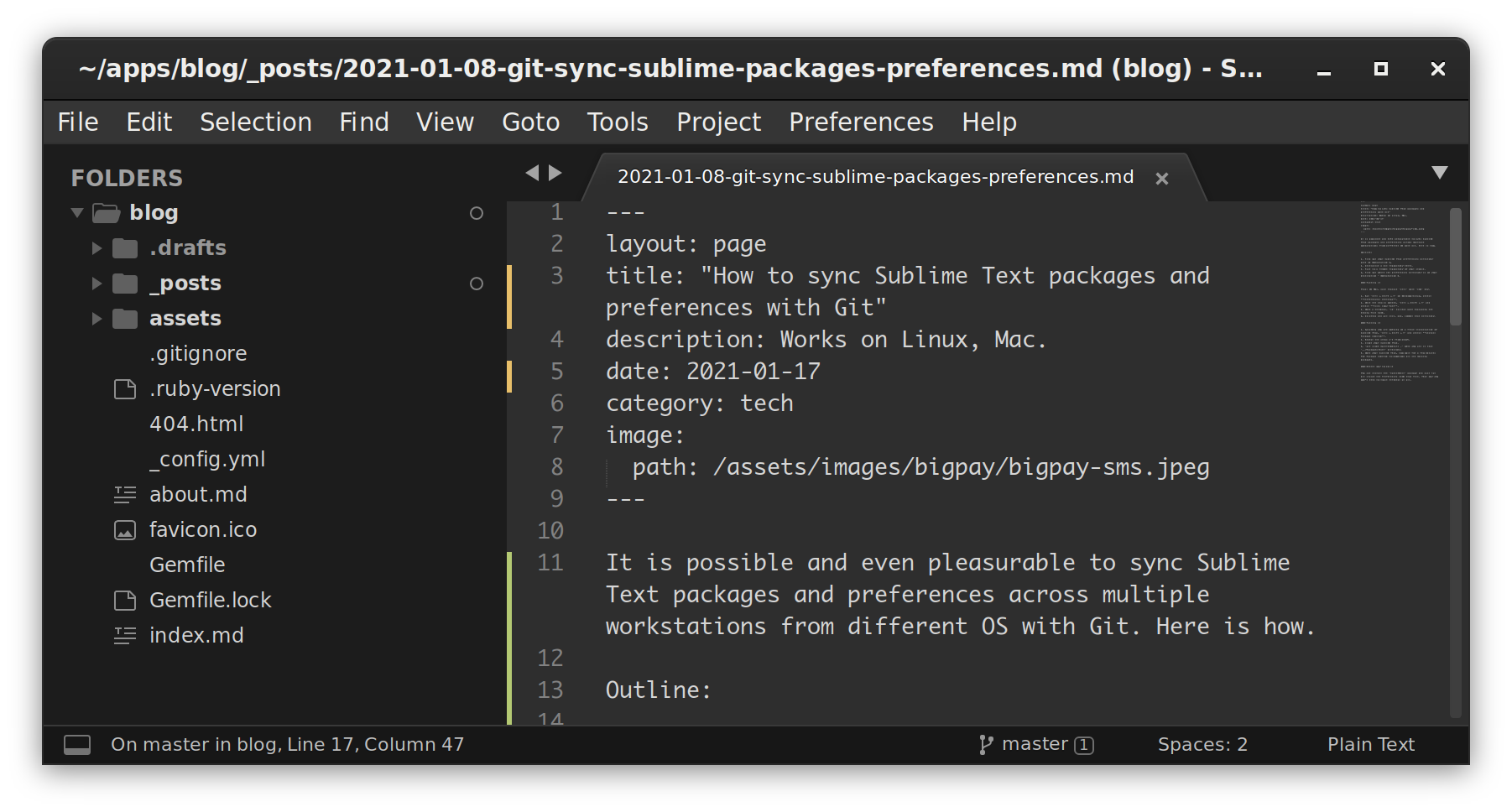
It is possible and even pleasurable to sync Sublime Text packages and preferences across multiple workstations from different OS with Git. Here is how.
Outline:
- Find out your Sublime Text preferences directory path on Workstation A.
- Initialise a Git repository there.
- Push to a remote repository of your choice.
- Find out where the preferences directory is on your destination - Workstation B.
Pushing it
Tips: On Mac, just replace Ctrl with Cmd key.
- Run
Ctrl + Shift + Pon Windows/Linux, select Preferences: Settings. - Once the new is opened,
Ctrl + Shift + Pand select File: Copy Path. - Open a terminal,
cdto that path excluding the ending file name. - Go ahead and git init, add, commit that directory.
Pulling it
- Assuming you are working on a fresh installation of Sublime Text,
Ctrl + Shift + Pand select Install Package Control. - Repeat the steps 1-3 from above.
- Close your Sublime Text.
git clone $gitremoteurl .when you are in that../Packages/Userdirectory.- Open your Sublime Text, now wait for a few minutes for Package Control to download all the missing packages.
Better way to do it
You can install the SublimeGit package and just run Git inside the Preferences JSON text file. That way you won't need to touch terminal at all.